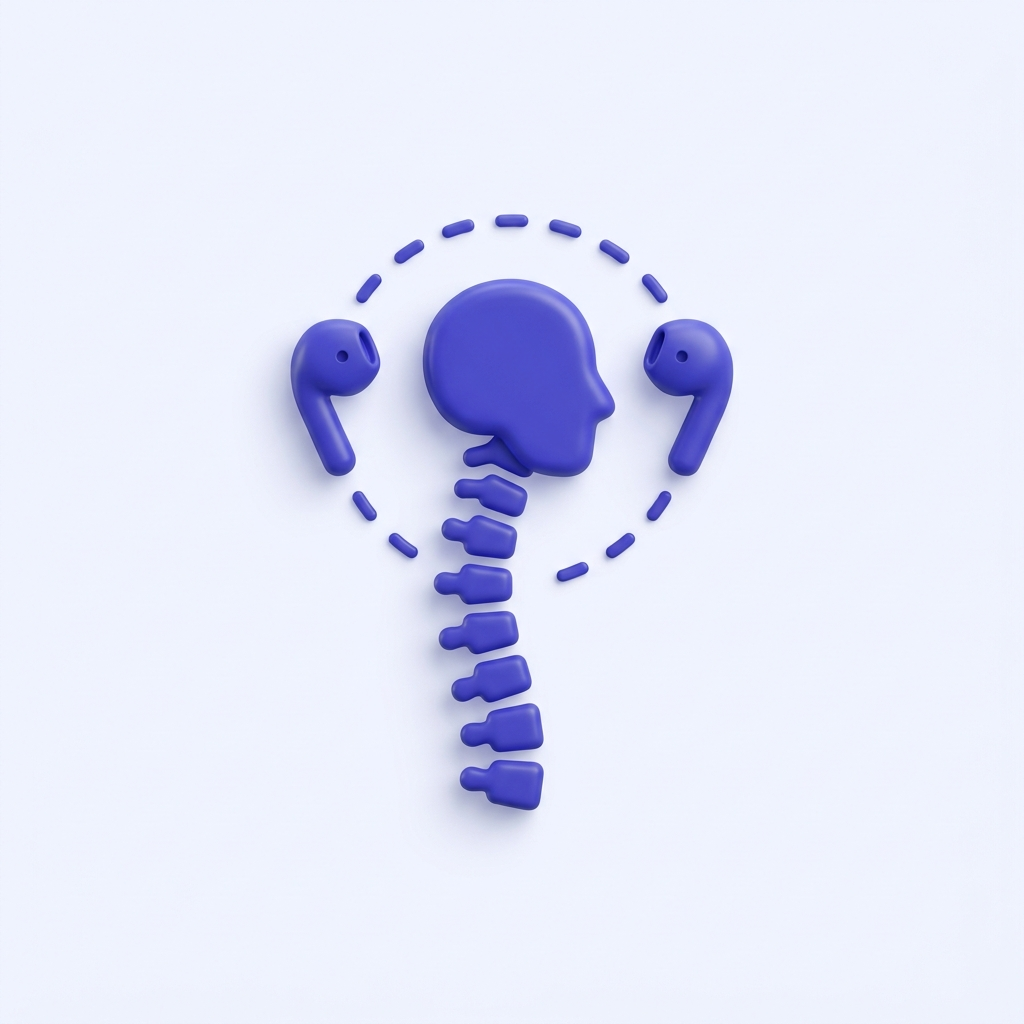
Real-time Detection
Continuously tracks forward head drift, side tilt, and gradual posture collapse using your AirPods' 6-axis motion sensors - 60 times per second.
SitTall - Fix Your Posture monitors your posture silently from the menu bar, using the motion sensors already in your AirPods. No camera. No subscription. No excuses.
Apple Silicon Mac · macOS 14 Sonoma or later · AirPods with head tracked spatial audio or Beats Fit Pro
A posture corrector that respects your workflow - invisible when you're upright, present when it matters.
Continuously tracks forward head drift, side tilt, and gradual posture collapse using your AirPods' 6-axis motion sensors - 60 times per second.
Sit up straight, then slouch. SitTall - Fix Your Posture learns your personal good and bad posture baseline in two taps - no measurements, no complicated setup.
Alerts fire only when bad posture persists - never for a momentary glance. Snooze with one click when you need to stay in the zone.
All motion analysis runs locally on your Mac. No camera used, no account required, no data ever leaves your device. Not even to us.
Lives quietly in your Mac menu bar. No Dock icon clutter. One click to check your posture state, adjust settings, or pause monitoring.
Tune sensitivity, alert duration, and cooldown to fit your work style. Go strict for focused sessions, or gentle for casual days.
A quick look at SitTall - Fix Your Posture in the Mac menu bar, from calibration to a posture nudge.
SitTall - Fix Your Posture is designed to get out of the way. Calibrate once, then forget about it - until you slouch.
Sit up in your best posture and tap "Capture good posture." Then slouch naturally and tap "Capture bad posture." SitTall - Fix Your Posture now knows your personal range.

Work normally. SitTall - Fix Your Posture watches silently from the menu bar, tracking forward drift, side tilt, and gradual collapse with the sensors already in your ears.

After a configurable period of bad posture, you'll get a gentle nudge. Dismiss, snooze, or just sit up - posture corrected, back to work.

Built with privacy as a first principle. No account. No posture servers. No in-app analytics. Just a posture app that works quietly and disappears.
No account required
Download and use immediately. No email, no sign-up, no subscription ever.
No camera, ever
Detection uses only AirPods motion sensors. Your camera is never accessed or requested.
No cloud, no sync
All processing happens on-device. Nothing is transmitted, stored externally, or shared.
App Sandbox
Runs in macOS App Sandbox with minimal permissions. Cannot access your files or network.
A public look at the improvements being considered for SitTall - Fix Your Posture.
Localization
Adding French, Chinese, Japanese, Korean, Portuguese, Italian, and Indonesian.
Detection
A toggle for iPad writing, drawing, reading, and other intentional downward-looking sessions so posture is not unfairly marked as awful past a chosen angle.
Calibration
Save calibration profiles for different sitting environments, such as a desk, couch, standing desk, or external monitor setup.
Reminders
More choices for the "remind me at most" and "alert after" settings, so reminders can better match each workflow.
Menu bar
Fixing the menu bar icon state shown when AirPods are not connected.
Appearance
Additional menu bar icon choices for people who want SitTall to better match their Mac setup.
Appearance
Refining menu bar icon padding so the app icon feels visually balanced at macOS menu bar sizes.
Notifications
Letting users choose or customize the sound used for posture reminders.
Mobile
Exploring an iOS version of SitTall for posture reminders away from the Mac.
Mac
Apple Silicon Mac
macOS 14 Sonoma or later
Earbuds
AirPods 3, AirPods 4, AirPods Pro,
AirPods Max, or Beats Fit Pro
Mac App Store
Download on the Mac App Store
Your back will thank you by the end of the week.
Download on Mac App Store